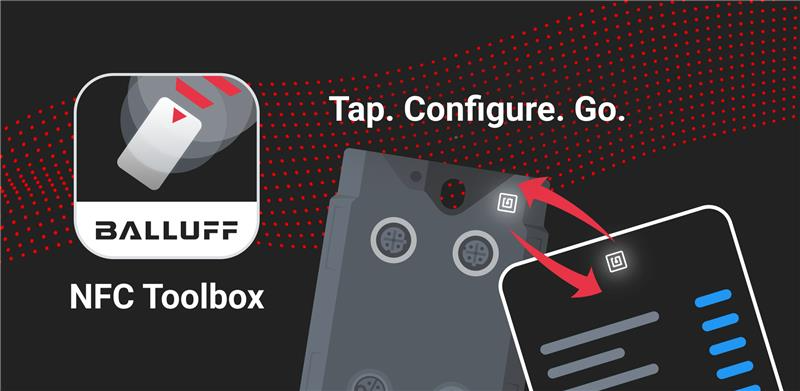
Overview
Welcome to the NFC Toolbox version 1.0.7.1033 documentation. This guide helps you configure and manage Balluff NFC-ready devices quickly and efficiently using the NFC Toolbox application.
Get started
Whether you’re new to the NFC Toolbox or need to configure specific devices, start with the documentation sections below to find the information you need.
Understand the structure and instructions of this documentation.
Read the safety notes first.
Install the application for iPhones and Android devices.
Learn about the features and capabilities of the NFC Toolbox. Explore the application interface and understand how to navigate the main functions.
Configure your Balluff devices. Set up network parameters, fieldbus types, and device settings.
Which devices can be configured with the NFC Toolbox? Check compatibility before you start.
Key features
The NFC Toolbox provides a user-friendly interface for:
Quick device configuration — Set up network parameters and fieldbus settings in minutes
Device cloning — Copy parameters from one device to another
Parameter management — Read, modify, and write device settings via NFC
Factory reset — Restore devices to their default settings
Multi-platform support — Available for iOS and Android devices
Who should use this documentation?
This documentation is for:
Technicians configuring Balluff NFC-ready devices in production or service environments
System integrators setting up device networks and fieldbus configurations
Maintenance personnel performing device resets or parameter adjustments
IT administrators deploying the NFC Toolbox across mobile devices