Vision Configuration (taskVision)#
taskVision#
Vision parameters improve the visual representation of the image. They do not add new information to the measurement data and are mainly used for presentation.
The taskVision node contains the subnodes: adjustment, coloring and upscaleImage.
adjustment#
The adjustment node contains parameters that modify brightness and contrast.
This can help to make details easier to see.
adjustment.brightness#
Adjusts the overall brightness of the image. A value of 0% means no adjustment.
| Property | Value |
|---|---|
| type | Real |
| Value (default) | 0 |
| unit | % |
| minInclusive | -100 |
| maxInclusive | 100 |
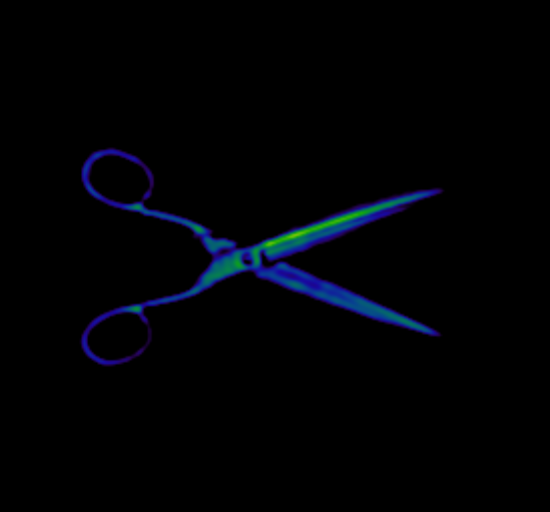
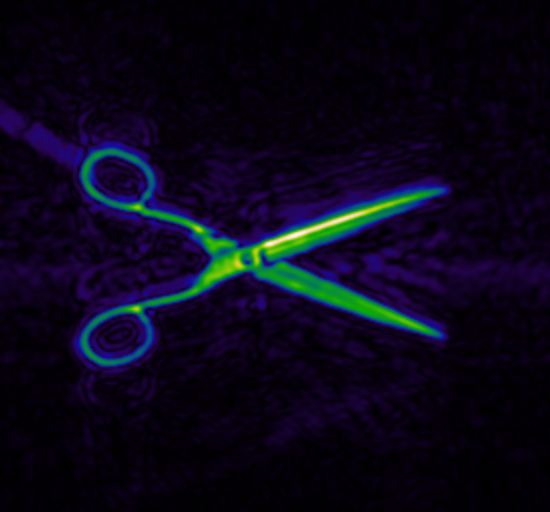
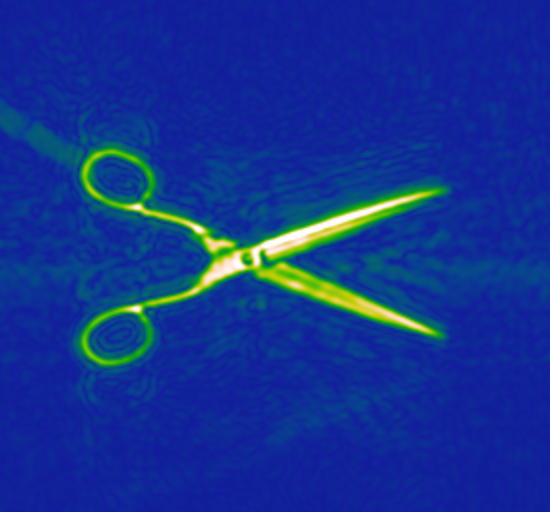
adjustment.brightness decreased (left), default (middle) and increased (right):
Practical note
With strongly decreased brightness, some details may become invisible (for example the attached label on the scissors).
adjustment.contrast#
Adjusts the contrast of the image. A value of 0% means no adjustment.
| Property | Value |
|---|---|
| type | Real |
| Value (default) | 0 |
| unit | % |
| minInclusive | -100 |
| maxInclusive | 100 |
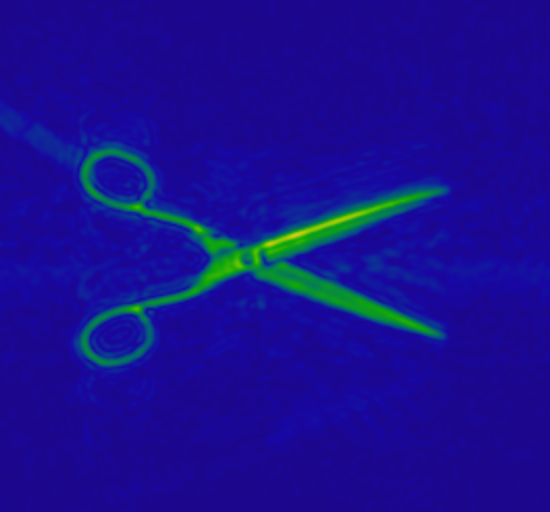
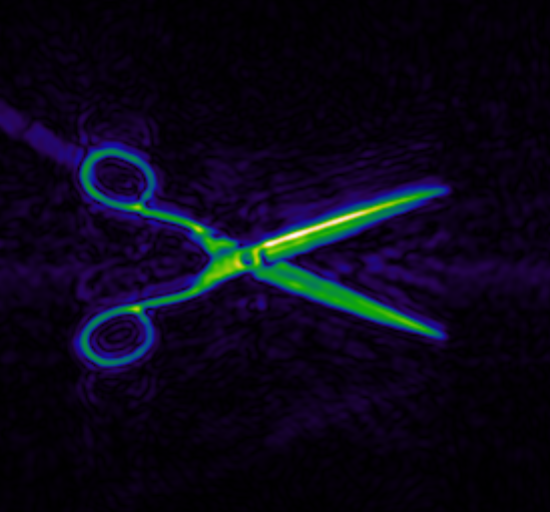
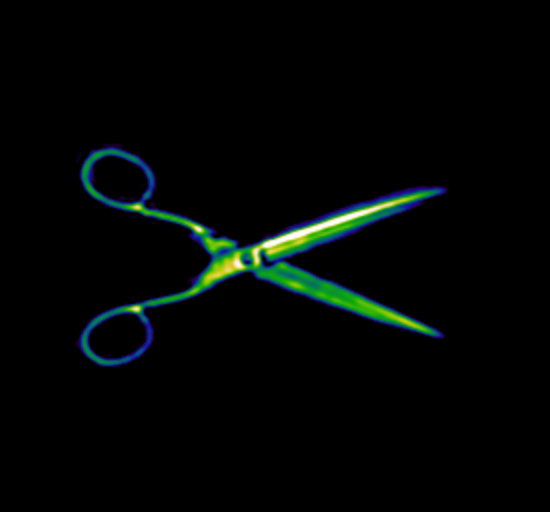
adjustment.contrast decreased (left), default (middle) and increased (right):
Practical note
With strongly increased contrast, some details may become invisible (for example the effects in the background and the attached label on the scissors).
coloring#
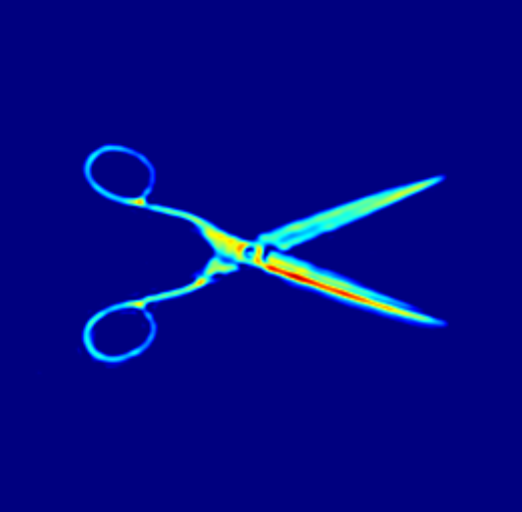
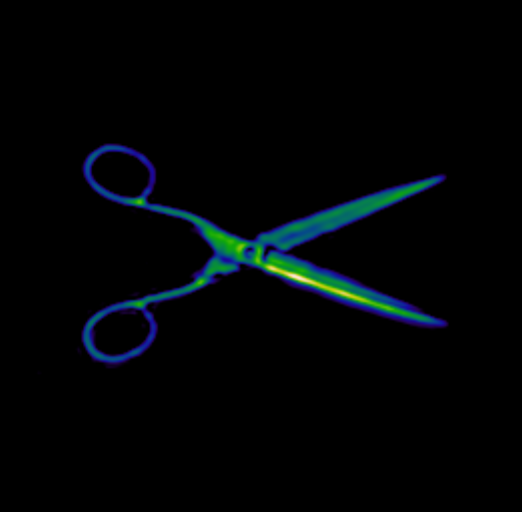
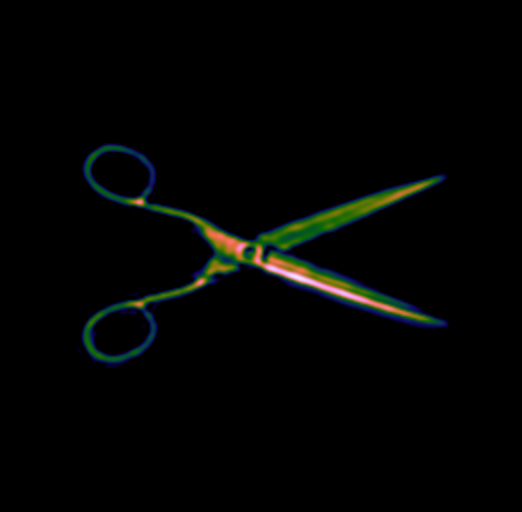
The coloring node applies a color map to the image.
This can help understanding and comparing different value ranges.
coloring.colorMapAbs#
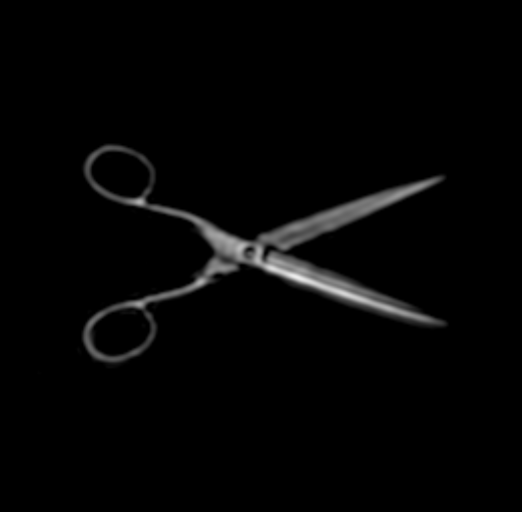
Selects the color map used for images containing ABS information.
Default
The default is GREY, because a monochrome representation is usually sufficient for ABS data.
Dependency
Only used if ABS is included in the imaging parameter channelSelection.conversion.
| Property | Value |
|---|---|
| type | Enum |
| Value (default) | GREY |
| elements | [GREY, JET, KINDLMANN, EXTENDED_KINDLMANN] |
coloring.colorMapAbs GREY (left) and JET (right):
coloring.colorMapAbs KINDLMANN (left) and EXTENDED_KINDLMANN (right):
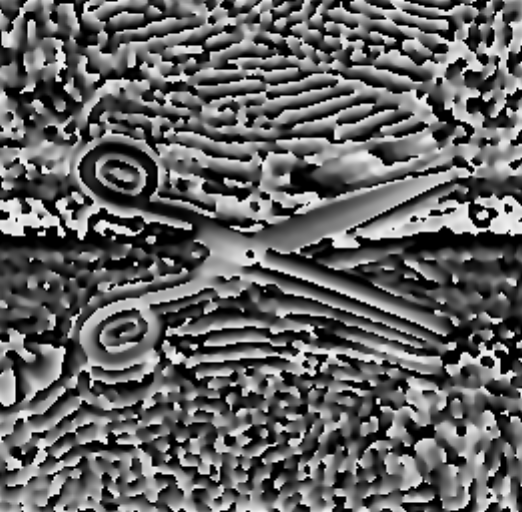
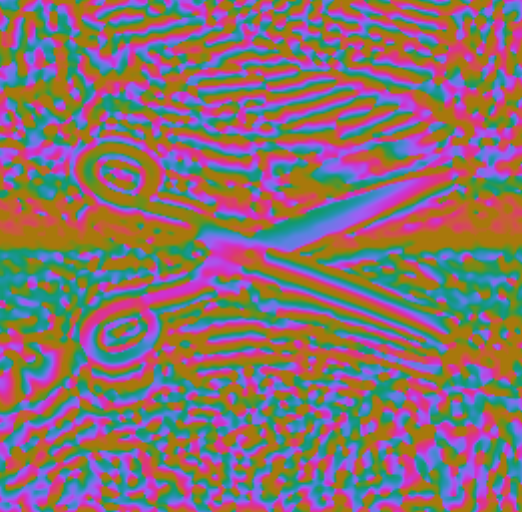
coloring.colorMapPhase#
Selects the color map used for images containing PHASE information.
Dependency
Only used if PHASE or ABS_PHASE is selected in channelSelection.conversion.
| Property | Value |
|---|---|
| type | Enum |
| Value (default) | GREY |
| elements | [GREY, PHASE] |
coloring.colorMapPhase GREY (left) and PHASE (right):
upscaleImage#
If enabled, the image is interpolated by a factor of 2. This doubles the number of pixels in height and width and can look smoother.
Default
The default is false, because interpolation does not add new information.
It can still be useful for presentation.
| Property | Value |
|---|---|
| type | Option |
| Flag (default) | false |
upscaleImage disabled (left) and enabled (right):